 E-Commerce10 Features of a High-Converting Ecommerce WebsiteThe ten features that turn store visitors into buyers, from product pages and checkout to speed, mobile design, social proof and ongoing testing.
Stripe vs WooPayments: Which Should Your WooCommerce Store Use?
WooPayments and the WooCommerce Stripe extension both run on Stripe. Compare accounts, dashboards, multi currency, payouts, cost drivers and fit.
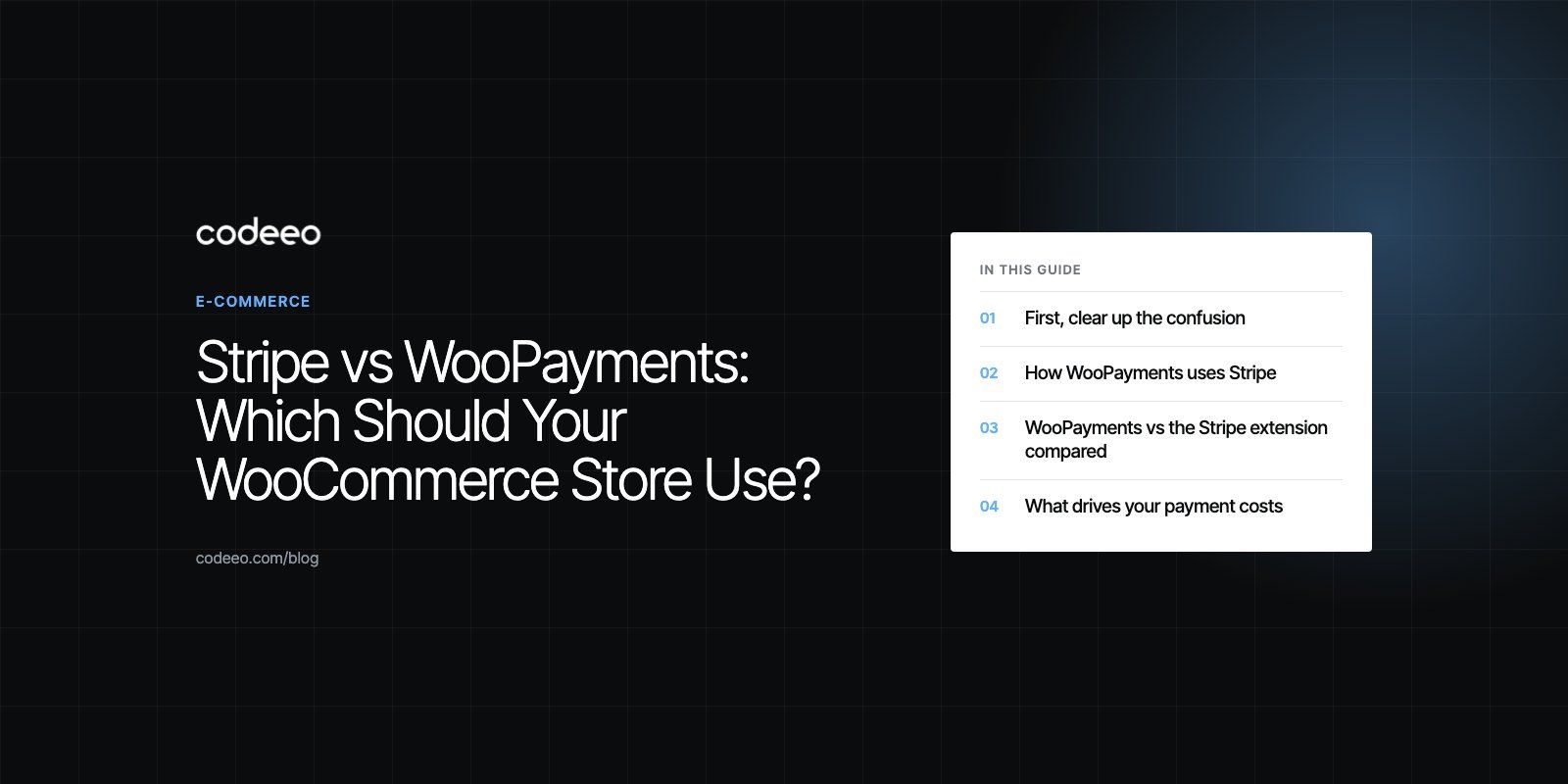
For most WooCommerce stores, the choice is between two ways of using Stripe: WooPayments, WooCommerce's own built in payment service that runs on Stripe, and the free WooCommerce Stripe extension, which connects your store to a standard Stripe account. WooPayments is simpler and keeps everything inside the WordPress dashboard. The Stripe extension gives you the full Stripe Dashboard, API keys and wider country support, which suits stores with more complex or international needs.
This guide explains how the two relate, compares them side by side and helps you choose based on your store, markets and team.
First, clear up the confusion
Older comparisons often set this up as WooCommerce versus Stripe, which mixes up different things:
- WooCommerce is the store plugin for WordPress. It manages products, carts and orders, but it needs a payment method to take money.
- Stripe is a payment processor. It handles card and wallet payments, fraud checks and payouts.
- WooPayments, formerly called WooCommerce Payments, is WooCommerce's own payment service. WooCommerce's documentation says it is built in partnership with Stripe.
- The WooCommerce Stripe extension is a free plugin that connects WooCommerce to your own Stripe account.
So the real question is not Stripe or WooCommerce. It is whether to use Stripe through WooPayments or through the Stripe extension.
How WooPayments uses Stripe
When you sign up for WooPayments, you verify your business with Stripe, which creates a Stripe Express account linked to the service. According to WooCommerce, that account runs in the background. You manage payouts, refunds, disputes and transactions from the Payments menu in WordPress, and WooPayments accounts do not get the standard Stripe Dashboard. A few details, such as bank account and business ownership, are edited in the Stripe Express dashboard.
Two other points from the same documentation matter when you decide. You cannot connect an existing regular Stripe account to WooPayments. And WooPayments uses Stripe's fraud prevention system, Radar, so fraud screening comes from Stripe either way.
WooPayments vs the Stripe extension compared
WooCommerce publishes its own WooPayments and Stripe plugin comparison. The main differences are:
| Area | WooPayments | Stripe extension |
|---|---|---|
| Account | Stripe Express account created for you, no API keys to copy | Your own standard Stripe account with API keys |
| Where you manage payments | WordPress dashboard, including transactions, payouts and disputes | Mostly the Stripe Dashboard |
| Multi currency | Built in | Needs an additional plugin |
| Instant payouts | Available in fewer countries, with eligibility rules | Available in more countries, with eligibility rules |
| In person payments | Card readers in more countries than the extension | More limited country coverage |
| Country availability | Shared list of supported countries | Shared list plus several extra countries |
| Existing Stripe account | Cannot be connected | Connects directly |
| Third party tools needing Stripe API access | Not supported, keys are not exposed | Supported |
Country lists, payout rules and fees change, so check the current WooCommerce and Stripe documentation for your country before you decide.
What drives your payment costs
Older articles listed fixed percentages for each option. Those figures change over time and vary by country, so treat any number you see in an old comparison as out of date. What actually determines your cost:
- Your country and the country of your customers' cards
- Card type, including international and premium cards
- Currency conversion, when you charge in one currency and settle in another
- Payment method, such as wallets, bank debits or local methods
- Disputes and chargebacks, which carry their own fees
- Instant payouts, which usually cost extra compared with standard payouts
- In person sales, which have separate rates and hardware costs
Model both options on your real order mix: average order value, share of international customers and refund rate. The cheaper option on paper is not always cheaper for your store.
Features beyond taking payments
Subscriptions
Both routes can support recurring payments with WooCommerce's subscriptions tooling, and WooCommerce notes that WooPayments can optionally use Stripe Billing for recurring payments. Stores with complex billing, such as usage based pricing or custom invoicing, often prefer the Stripe extension with a full Stripe account so they can use Stripe's billing features directly.
Payment methods
Stripe supports a wide range of cards, wallets and local payment methods, described in its payment methods overview. Which ones you can offer depends on your country, your customers' countries and the option you choose. Confirm the methods your customers actually use, such as wallets or bank payments, are available before you go live.
Reporting
WooPayments keeps transactions, payouts and disputes inside WordPress, which suits small teams who want one place to work. The Stripe extension puts reporting in the Stripe Dashboard, which is more detailed and easier to share with finance teams or connect to accounting and analytics tools.
Developer access
If you plan custom integrations, such as syncing payments to an ERP, building a custom checkout or connecting third party tools that need Stripe API access, the Stripe extension with a standard account is the practical choice.
Which should you choose?
Choose WooPayments if
- You want the simplest setup, managed from the WordPress dashboard
- You sell in several currencies and want that built in
- You want in person card readers in a supported country
- You do not need third party tools that require Stripe API keys
Choose the Stripe extension if
- You already have a Stripe account, or use Stripe for other products
- You operate in a country WooPayments does not support
- You need the full Stripe Dashboard, detailed reporting or Stripe's wider feature set
- You plan custom integrations or third party tools that need API access
WooCommerce also notes that the two can be used together on the same store, which some merchants do during a transition.
Mistakes to avoid
- Choosing on headline fees alone. Your order mix decides the real cost.
- Not testing in test mode. Run cards, wallets, refunds and failed payments before launch.
- Forgetting accounting. Payouts are net of fees and refunds, so make sure your bookkeeping records them correctly.
- Ignoring checkout speed. Every extra script on the checkout page can slow it down. Keep payment plugins and add ons to what you need.
Payments touch checkout, accounting and customer trust at the same time, so it pays to get them right. Our payment integration service sets up and tests gateways, our WooCommerce developers handle the store side, and our checkout teardown reviews your existing flow for friction. For examples, see the Ghezlan case study and The Gorgeous Flower Co.
Frequently asked questions
No, but they are closely connected.
WooPayments is WooCommerce's own payment service, built in partnership with Stripe. When you sign up, a Stripe Express account is created in the background, and you manage payments from the WordPress dashboard rather than the Stripe Dashboard. The separate Stripe extension instead connects WooCommerce to a standard Stripe account you control.
E-Commerce10 Features of a High-Converting Ecommerce WebsiteThe ten features that turn store visitors into buyers, from product pages and checkout to speed, mobile design, social proof and ongoing testing. E-CommerceBenefits of Using a CMS for Ecommerce WebsitesHow a CMS helps online stores manage products, SEO, growth and security, how it compares with a custom build, and how to choose between WooCommerce, Shopify and headless.
 E-CommerceEcommerce Website Development: 9 Elements Every Store NeedsThe nine parts every online store needs, from catalog data and search to checkout, security, operations and analytics, with what to decide before you build.
Tell us what the business needs. We will tell you what to build first.
Schedule a free consultation and get a written recommendation, with costs, before you commit to anything.
Get in touchPROVEN RESULTS
4.7 / 5verified reviews on Google