 SEOHow to Optimize Your Website for Search EnginesA practical guide to optimizing a website for search engines: technical health, mobile first indexing, on page content, earning links and measuring results.
Technical SEO for Ecommerce: A Practical Guide for Online Stores
Technical SEO for online stores: site architecture, faceted navigation, canonicals, product schema, Core Web Vitals, mobile first indexing and audits.
Technical SEO for ecommerce is the work that lets search engines crawl, understand and index your product and category pages efficiently, and lets shoppers load them quickly on any device. For an online store it comes down to a clean site structure, controlled faceted navigation, correct canonicals, product structured data, fast mobile pages and regular audits. Get these right and your content and links can do their job; get them wrong and good products stay invisible.
This guide covers the technical areas that matter most for stores, in the order we usually check them.
Why technical SEO matters more for stores
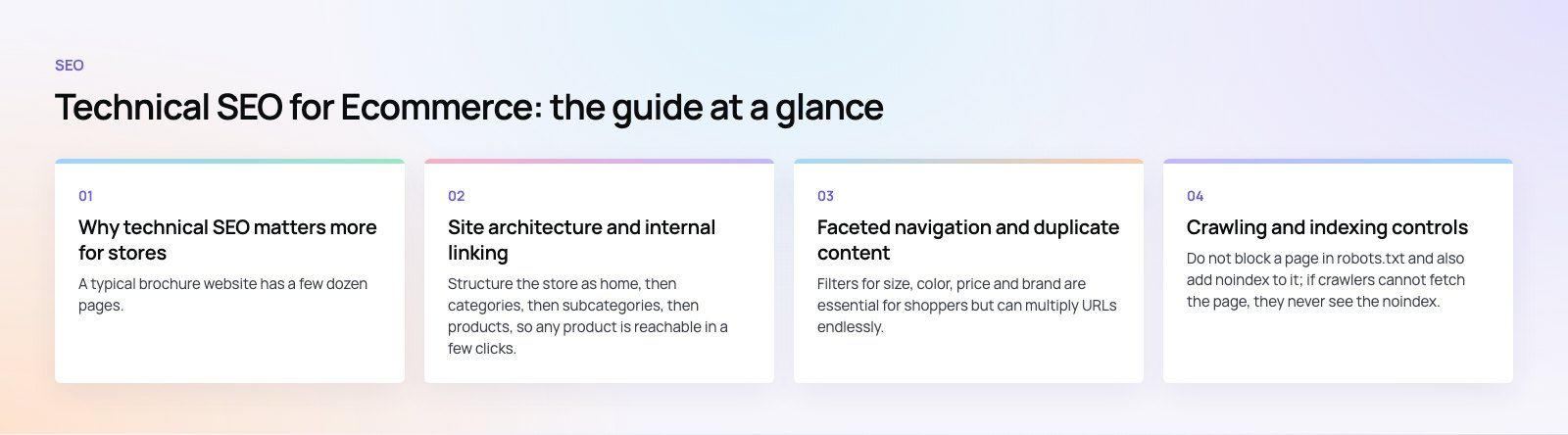
A typical brochure website has a few dozen pages. An online store can have thousands of products, variations, filters and sort orders, each able to generate its own URL. That creates problems most sites never face:
- Search engines waste crawl effort on near duplicate filter pages instead of new products.
- Out of stock and discontinued products leave dead ends.
- Product descriptions copied from manufacturers appear on many other sites.
- Heavy product images, scripts and apps slow pages down on mobile.
Technical SEO is how you keep that scale under control.
Site architecture and internal linking
Keep the hierarchy shallow and logical
Structure the store as home, then categories, then subcategories, then products, so any product is reachable in a few clicks. Group products the way customers think about them, not the way your warehouse does. Our Clock Springs Australia store, with thousands of parts across many vehicle makes, uses shop by make and model for exactly this reason.
Use breadcrumbs
Breadcrumbs show shoppers where they are and give search engines a clear path through the hierarchy. Mark them up with breadcrumb structured data so they can appear in search results.
Link internally on purpose
Link from category pages to key products, from products to related products and parent categories, and from buying guides to the categories they discuss. Pages with no internal links pointing to them are hard for search engines to find and rarely rank.
Write clean, stable URLs
Use short, descriptive, lowercase URLs for categories and products. Avoid putting session IDs or tracking parameters in URLs that get linked. Changing URL structures later means redirects, so decide early.
Faceted navigation and duplicate content
Filters for size, color, price and brand are essential for shoppers but can multiply URLs endlessly. Google's guide to managing crawling of faceted navigation URLs is the best reference. The practical approach for most stores:
- Decide which filter combinations have real search demand, such as a category plus a brand, and make those indexable pages with unique titles and copy.
- Keep all other combinations out of the index, and where possible stop them being crawled, for example by not generating crawlable links for them.
- Point canonical tags from variant and sorted URLs to the main version of the page.
- Avoid indexing internal search result pages.
Canonicals for products and variants
If a product appears under several category paths, or each color has its own URL with identical content, choose one canonical URL. Platforms handle this differently; Shopify, WooCommerce and Magento each have quirks worth checking in your own theme.
Crawling and indexing controls
| Tool | What it does | Common ecommerce use |
|---|---|---|
| XML sitemap | Lists the URLs you want indexed | Include canonical category and product URLs only; update automatically as products change |
| Robots.txt | Controls what crawlers may request | Block cart, checkout, account and internal search paths |
| Canonical tag | Names the preferred version of similar pages | Variants, sorted lists, tracking parameters |
| Noindex | Keeps a crawlable page out of the index | Thin filter pages, thank you pages |
| Redirects | Send users and crawlers to a new URL | Discontinued products with a clear replacement, migrations |
Do not block a page in robots.txt and also add noindex to it; if crawlers cannot fetch the page, they never see the noindex.
Out of stock and discontinued products
Keep temporarily out of stock products live, show the status clearly and offer alternatives or a back in stock alert. For products gone for good, redirect to the closest replacement or category if one genuinely exists; otherwise return a 404 or 410 so the URL drops out naturally.
Product structured data
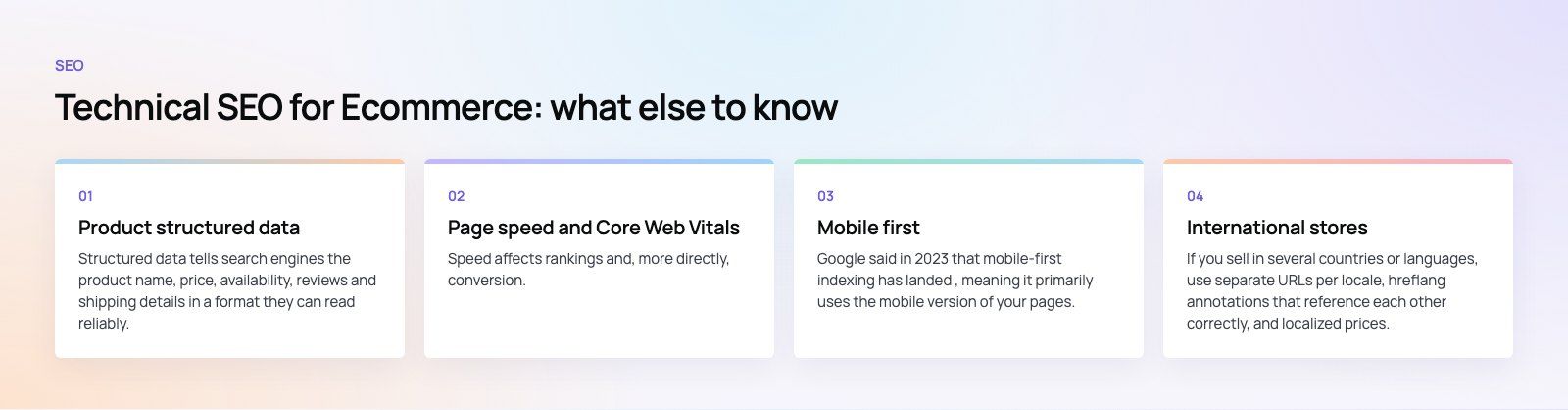
Structured data tells search engines the product name, price, availability, reviews and shipping details in a format they can read reliably. It can make listings eligible for richer results. Follow Google's product structured data documentation, keep marked up values identical to what the page shows, and validate templates after every theme change. Add organization and breadcrumb markup sitewide.
Page speed and Core Web Vitals
Speed affects rankings and, more directly, conversion. Google measures real user experience through Core Web Vitals; in 2024 Interaction to Next Paint replaced First Input Delay as the responsiveness metric, which puts heavy JavaScript under more scrutiny.
- Images. Serve modern formats at the displayed size, lazy load below the fold, and set width and height to avoid layout shift.
- Scripts and apps. Audit every third party script, review widget and tracking tag. Remove what you do not use and delay what is not needed for the first view.
- Caching and CDN. Serve static assets from a CDN and cache pages where the platform allows.
- Code. Minify and bundle CSS and JavaScript, and remove unused theme code.
- Hosting. A slow server response undoes everything else; check time to first byte from where your customers are.
Our Core Web Vitals service focuses on this layer for stores.
Mobile first
Google said in 2023 that mobile-first indexing has landed, meaning it primarily uses the mobile version of your pages. Make sure mobile pages carry the same content, structured data, internal links and images as desktop. Hidden tabs are fine; missing content is not. AMP is optional; a fast, responsive store is what matters.
On-page elements with a technical side
- Title tags and meta descriptions generated from templates for products and categories, with room to override for key pages.
- One H1 per page and a logical heading structure.
- Unique product descriptions instead of manufacturer copy, starting with your best sellers.
- Image alt text that describes the product.
- Category page copy that helps shoppers choose, placed where it does not push products below the fold.
International stores
If you sell in several countries or languages, use separate URLs per locale, hreflang annotations that reference each other correctly, and localized prices, currency and shipping details in both the page and the structured data. Avoid automatic redirects based on IP address that stop crawlers seeing other versions.
Audits, migrations and measurement
Audit regularly
Run a crawl at least quarterly and after major releases. Check for broken links, redirect chains, accidental noindex tags, orphan pages, duplicate titles and pages missing from the sitemap. A technical SEO review is a quick way to get a prioritized list.
Treat migrations as SEO projects
Moving platform, redesigning or changing URL structures is when stores lose the most traffic. Map every old URL to its new one, test redirects before launch and monitor indexing closely afterwards. Our site migration service exists for this reason.
Track the right numbers
- Indexed pages versus submitted pages in Google Search Console.
- Crawl stats and server errors.
- Core Web Vitals field data.
- Organic sessions, revenue and conversion rate by landing page type in your analytics.
- Rankings and clicks for category level queries.
Common technical SEO mistakes in ecommerce
- Letting every filter combination get indexed.
- Canonical tags pointing to redirected or noindexed URLs.
- Staging sites left open to crawlers, creating duplicates of the live store.
- Structured data showing a price or availability that does not match the page.
- Deleting products without redirects or a plan.
- Installing apps and plugins without checking their effect on speed.
Technical SEO is ongoing maintenance, not a one off fix. If your store needs a proper audit or the fixes that follow, our digital marketing team and platform developers for Shopify and WooCommerce can work through it with you.
Frequently asked questions
The biggest factors are crawlable site architecture, controlled faceted navigation, correct canonical tags, accurate XML sitemaps, product structured data and fast mobile pages.
For large stores, managing which filter and variant URLs get crawled and indexed often matters most, because uncontrolled filters can create far more low value URLs than real products and dilute how search engines spend time on your site.
SEOHow to Optimize Your Website for Search EnginesA practical guide to optimizing a website for search engines: technical health, mobile first indexing, on page content, earning links and measuring results. SEOTechnical SEO vs On-Page SEO: Differences and How They Work TogetherTechnical SEO gets your pages indexed; on-page SEO makes them rank. See what each covers, where they overlap and the order to fix problems in.
 SEOWordPress SEO Tips: A Practical Checklist to Improve RankingsA practical WordPress SEO checklist: plugin setup, site structure, keyword intent, titles, speed, mobile, schema, monitoring and the mistakes that hold sites back.
Tell us what the business needs. We will tell you what to build first.
Schedule a free consultation and get a written recommendation, with costs, before you commit to anything.
Get in touchPROVEN RESULTS
4.7 / 5verified reviews on Google