 E-CommerceSquare WooCommerce Integration: A Step by Step Setup GuideHow to connect Square to WooCommerce with the official plugin, choose a system of record, test in sandbox and fix the sync problems stores hit most often.
Magento 2 Guest Checkout: How to Set It Up and When to Use It
Where Magento 2 guest checkout lives in the Admin, how to set it per store view, the downloadable product exception, and how to win repeat customers without forced sign up.
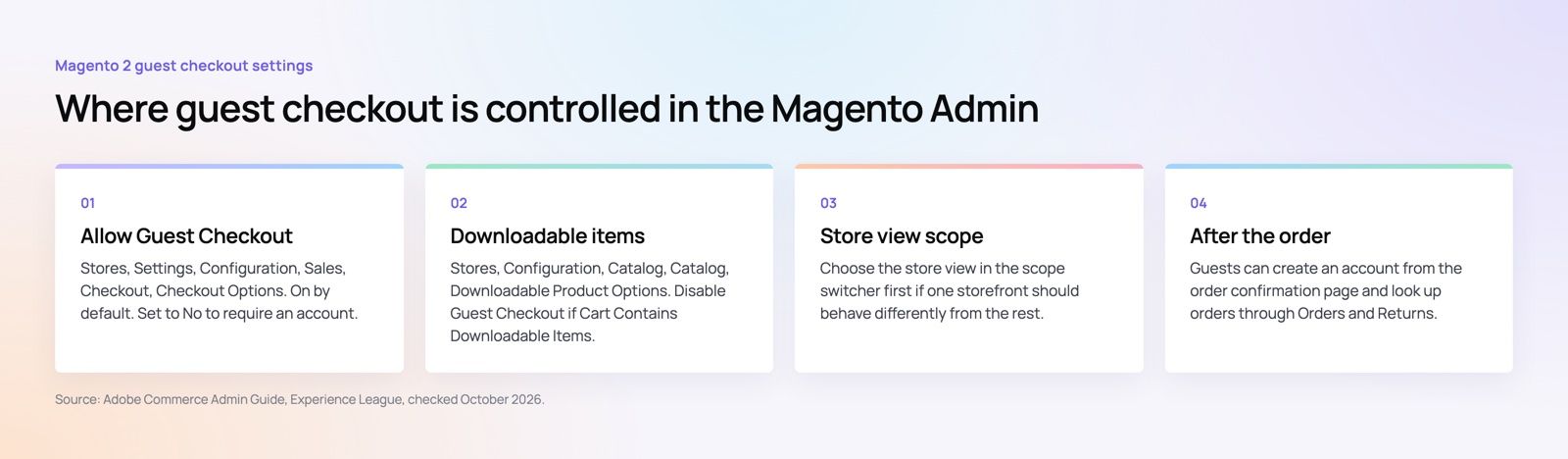
Magento 2 guest checkout lets a shopper buy without creating an account, and it is switched on by default. You control it in the Admin under Stores, Settings, Configuration, Sales, Checkout, Checkout Options, with a single setting called Allow Guest Checkout. For most US stores the right answer is to keep it on, then give guests an easy way to save their details after the order is placed.
This guide covers where the setting lives, how to turn it on or off for one storefront, the one product type that changes the rules, and how to get repeat customers without forcing anyone to register before they pay.
What Magento 2 guest checkout does
With guest checkout on, a shopper adds items to the cart, enters an email address, a shipping address and a payment method, and places the order. No password, no account, no extra screen. Magento still records the order with the email and addresses, so your team can fulfill, refund and contact the customer as usual.
With guest checkout off, the shopper has to sign in or create an account before Magento will show the checkout. That is a deliberate step between the cart and the payment, and every step at that point costs some orders.
The numbers are well documented. Baymard Institute puts the average documented cart abandonment rate at 70.22%, and in its list of reasons shoppers give for abandoning an order, 18% said the site wanted them to create an account (Baymard Institute, updated September 2025). Forced registration is one of the few causes on that list that a store owner can remove with a single setting.
How to enable or disable guest checkout in Magento 2
The steps are the same in Magento Open Source and Adobe Commerce. Adobe documents them in the Commerce Admin Guide.
- In the Admin sidebar, go to Stores, then Settings, then Configuration.
- In the left panel, expand Sales and choose Checkout.
- Expand the Checkout Options section.
- Find Allow Guest Checkout. If the field is grayed out, clear the Use system value checkbox next to it.
- Choose Yes to allow guest orders or No to require an account.
- Click Save Config, then refresh any cache types Magento flags at the top of the Admin.
After saving, test it the way a customer would. Open the storefront in a private browser window, add a product to the cart and go to checkout. With the setting on, you should see the email field and the shipping form straight away. With it off, Magento should send you to sign in first.
Setting guest checkout for one store view
Many Magento installs run more than one storefront: a retail site and a wholesale site, or one store per brand. Guest checkout does not have to behave the same way on all of them. Adobe's guide notes that the setting can apply to a single store view.
To change it for one storefront only, use the Scope switcher at the top left of the Configuration page before you edit anything. Choose the store view, confirm the prompt, then change Allow Guest Checkout and save. The other storefronts keep their own value.
A common pattern for US merchants with both consumer and trade customers:
- Retail storefront: guest checkout on, because first time buyers rarely want an account.
- Wholesale or B2B storefront: guest checkout off, because buyers need negotiated prices, purchase order payment and order history that only exist on an account.
Check the scope switcher again before you save. Saving at Default Config when you meant one store view is the most common reason a change shows up on the wrong site.
Downloadable products and guest checkout
Downloadable products, such as software, templates, courses and digital files, have their own rule. Magento has a separate setting called Disable Guest Checkout if Cart Contains Downloadable Items, found under Stores, Configuration, Catalog, Catalog, in the Downloadable Product Options section (Magento User Guide).
Set it to Yes and any cart with a downloadable item requires the shopper to register and sign in, even when guest checkout is on for physical products. That is often what you want, because the customer account is where Magento lists download links and their remaining downloads.
If you sell downloads to guests, check how each downloadable product handles its links. Merchants regularly report that guests can complete an order but cannot reach the file when the product's links are not set as shareable. Place a test guest order for every downloadable product type you sell and confirm the customer actually receives a working link.
What guests can do after the order
A guest order is not a dead end. Magento gives guests two ways back in.
Create an account from the confirmation page
After a guest places an order, the success page offers to create an account using the details they just entered. The shopper only adds a password. This is the best moment to ask, because the purchase is done and saving the address for next time is a genuine benefit rather than a hurdle.
Look up an order without an account
Magento's Orders and Returns page lets a guest find an order with the order number, the billing last name, and either the email address or the billing ZIP code. Link it from the footer and from your order confirmation email, so guests can check status without calling support.
Adobe Commerce as a Cloud Service adds a further option, Allow Guest Order Access for Registered Emails, under Sales, Sales, Guest Checkout. When it is on, guest orders placed with an email that matches a registered account appear in that customer's order history. It is off by default and, according to Adobe, applies only to the SaaS edition.
When to keep guest checkout off
Guest checkout is the right default for most stores, but there are real reasons to require an account:
- B2B and trade pricing. Customer specific prices, credit limits and purchase order payment depend on a known account.
- Subscriptions and memberships. A recurring order needs a customer record the shopper can sign in to and manage.
- Regulated or age restricted products. If you verify buyers before they can order, the account is where that verification lives.
- Digital products with ongoing access. As covered above, downloads and licenses are easier to deliver through an account.
Even then, consider turning it off only on the storefront that needs it rather than across the whole install.
Guest checkout best practices for Magento stores
Switching guest checkout on is the easy part. These details decide whether it actually lifts conversion.
Make the guest path the obvious one
Lead the checkout with the email field and a short line that says no account is needed. Keep the sign in option visible for returning customers, but as a link rather than a competing form. Shoppers should not have to work out which path to take.
Ask for the email first
Magento's checkout asks for the email address at the top of the shipping step. Keep it there. It tells a returning customer they can sign in, and it gives you an address for abandoned cart emails if the shopper leaves before paying.
Offer the account after payment, not before
Use the confirmation page and the order email to invite guests to save their details. Spell out what they get: faster checkout next time, order tracking and saved addresses. A shopper who has just paid is far more willing to add a password than one who has not.
Use express payment buttons
Wallets such as Apple Pay, Google Pay and PayPal fill the address and payment fields for the shopper, which pairs well with guest checkout on mobile. Most major payment providers offer Magento extensions for them; see our payment integration work for how we connect gateways to stores.
Protect the place order step
Guest checkout makes it easier for anyone to place an order, including bots testing stolen cards. Magento 2.4 includes Google reCAPTCHA settings for the storefront under Stores, Configuration, Security, and you can turn it on for placing orders. Pair it with your payment provider's fraud screening and watch for bursts of small declined orders.
Test the API as well as the storefront
Headless storefronts, mobile apps and integrations place orders through Magento's REST or GraphQL APIs, not the Luma or Hyvä checkout pages. If you turn guest checkout off, confirm that the guest cart endpoints behave the way your policy expects, and retest after every Magento upgrade. This matters most on headless commerce builds, where the storefront and the checkout rules live in different codebases.
Keep the checkout fast
A guest checkout that takes several seconds per step loses the time it saved. Check the checkout pages in Google's Core Web Vitals report as well as the home page, and keep third party scripts out of the checkout where you can. Our Core Web Vitals service covers this kind of audit.
Common problems after changing the setting
If the storefront does not reflect the change, work through these in order:
- Cache. Go to System, Cache Management and refresh the invalidated cache types. Full page cache can keep showing the old checkout behavior.
- Scope. Check whether a store view or website level value is overriding the one you set at Default Config.
- Downloadable items in the cart. If the test cart contains a downloadable product and that setting is on, Magento will still require an account.
- Extensions. One step checkout and B2B extensions often add their own guest checkout settings that take priority over the core one. Check each extension's configuration page.
- Custom themes. A heavily customized checkout template may hide the guest email step. Test on the default theme in a staging copy to see whether the theme is the cause.
Is Magento still the right platform for your store?
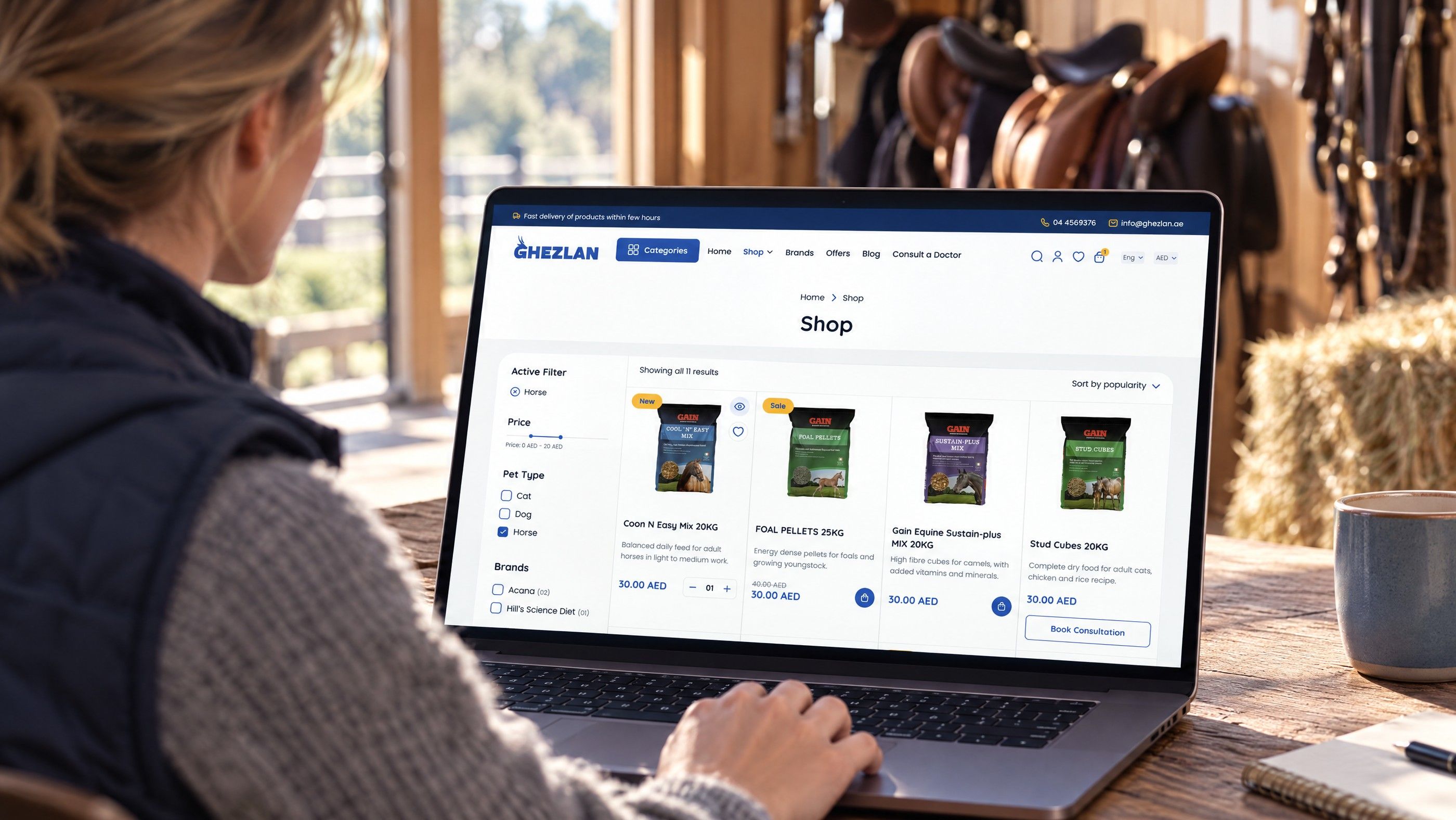
Guest checkout is one setting, but problems with it often point to a bigger question. If your Magento checkout is slow, heavily customized or hard to upgrade, it may be time to compare a rebuild on Magento with a move to another platform. Shopify and WooCommerce both support guest checkout out of the box, and a planned site migration can keep your URLs, customers and order history intact.
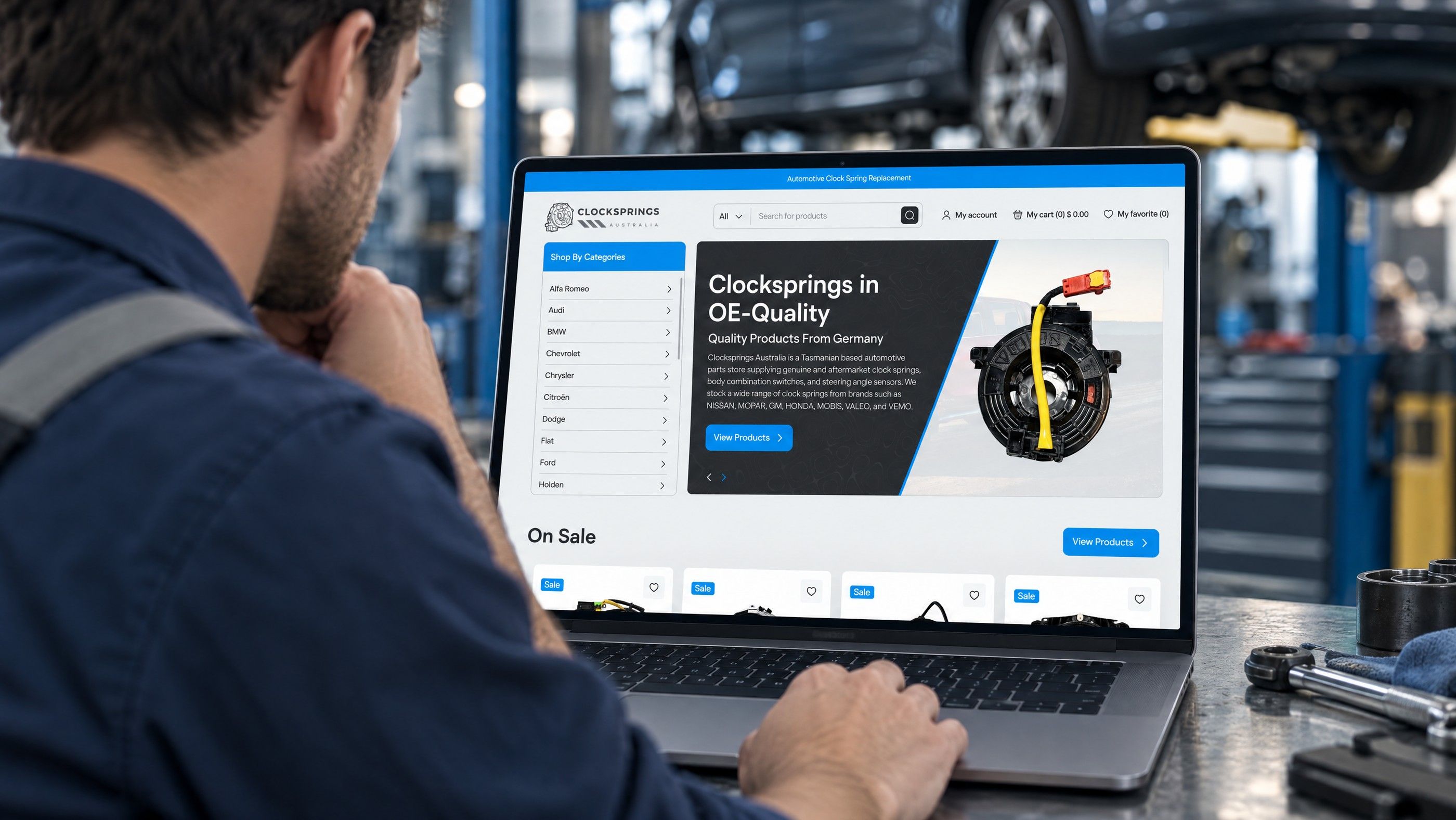
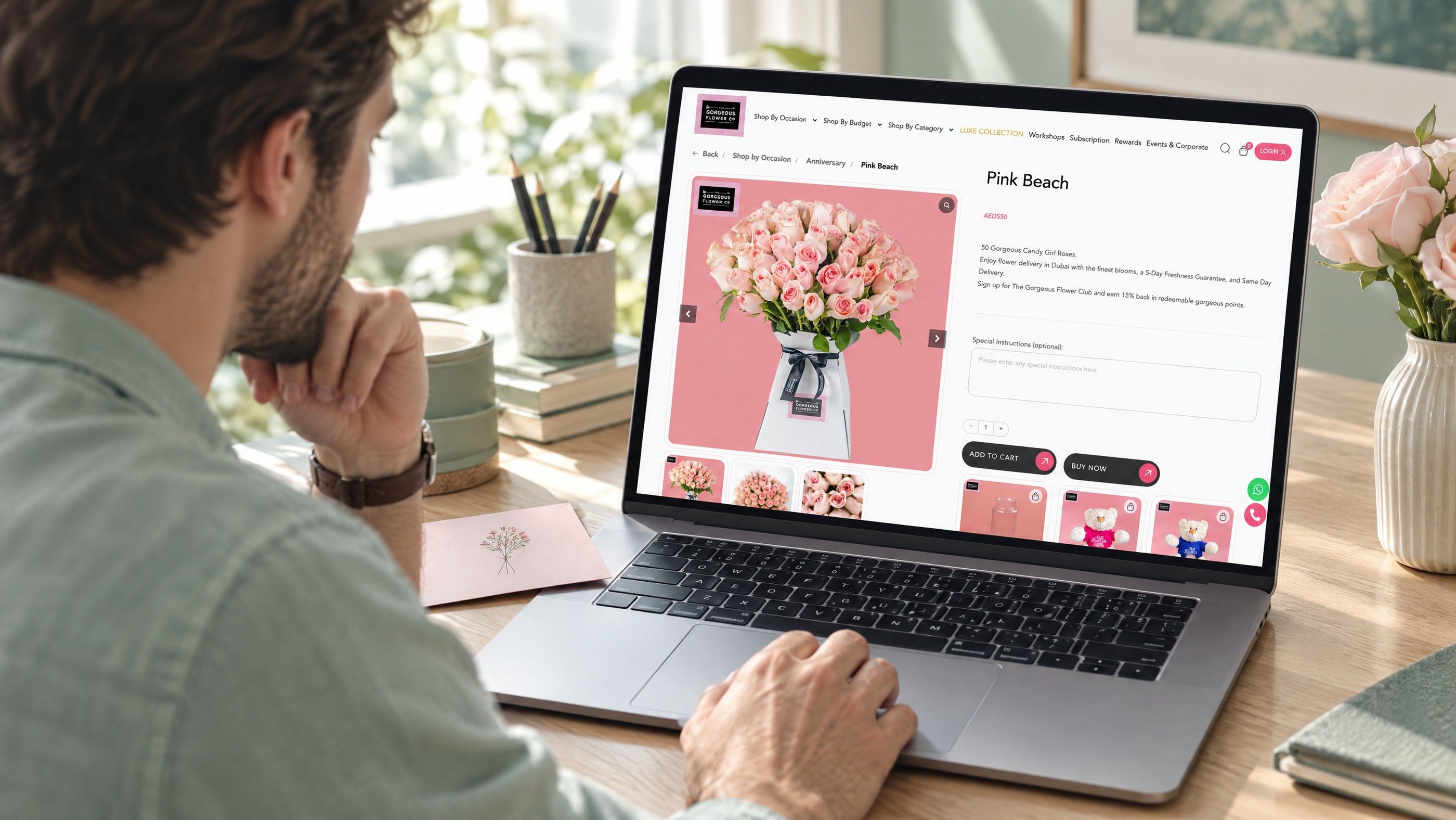
We have built stores on several platforms. The Gorgeous Flower Co takes delivery dates and time windows at checkout, and Clock Springs Australia lets trade and retail buyers find parts by make and model before they check out. Explore our web development, Shopify and WooCommerce services, or talk to our team about your checkout.
Frequently asked questions
Yes.
Allow Guest Checkout is set to Yes in a standard Magento 2 install, according to Adobe's Commerce Admin Guide. If guests are being asked to sign in, someone has changed the setting, an extension is overriding it, or the cart contains a downloadable product while the separate downloadable setting is on.
E-CommerceSquare WooCommerce Integration: A Step by Step Setup GuideHow to connect Square to WooCommerce with the official plugin, choose a system of record, test in sandbox and fix the sync problems stores hit most often. E-CommerceDo You Need a Business License to Dropship in the US?Do you need a business license to dropship? What US sellers need: a local business license, a state seller's permit, an EIN, and when you might not need one.
 E-CommerceLiquor Store POS Systems: Key Features and BenefitsWhat a liquor store POS system should do: age verification, case and bottle inventory, reordering, reporting and compliance, plus how to choose one.
Tell us what the business needs. We will tell you what to build first.
Schedule a free consultation and get a written recommendation, with costs, before you commit to anything.
Get in touchPROVEN RESULTS
4.7 / 5verified reviews on Google